> ## Documentation Index
> Fetch the complete documentation index at: https://docs.pornx.co/llms.txt
> Use this file to discover all available pages before exploring further.
# Animate your character into a video clip
> Animate a character image into a short video clip on PornX using image-to-video with motion prompts, resolution, and duration settings.
After generating an image with a character, you can animate it directly — no setup needed. The character's image carries over to the video generator automatically.
## How to animate
1. Generate an image with your character selected.
2. Tap the **Image to Video** button on the result.
3. You'll land on [pornx.co/video](https://pornx.co/video) with your image already loaded as the first frame.
4. Write a prompt, configure your settings, and tap **Create**.
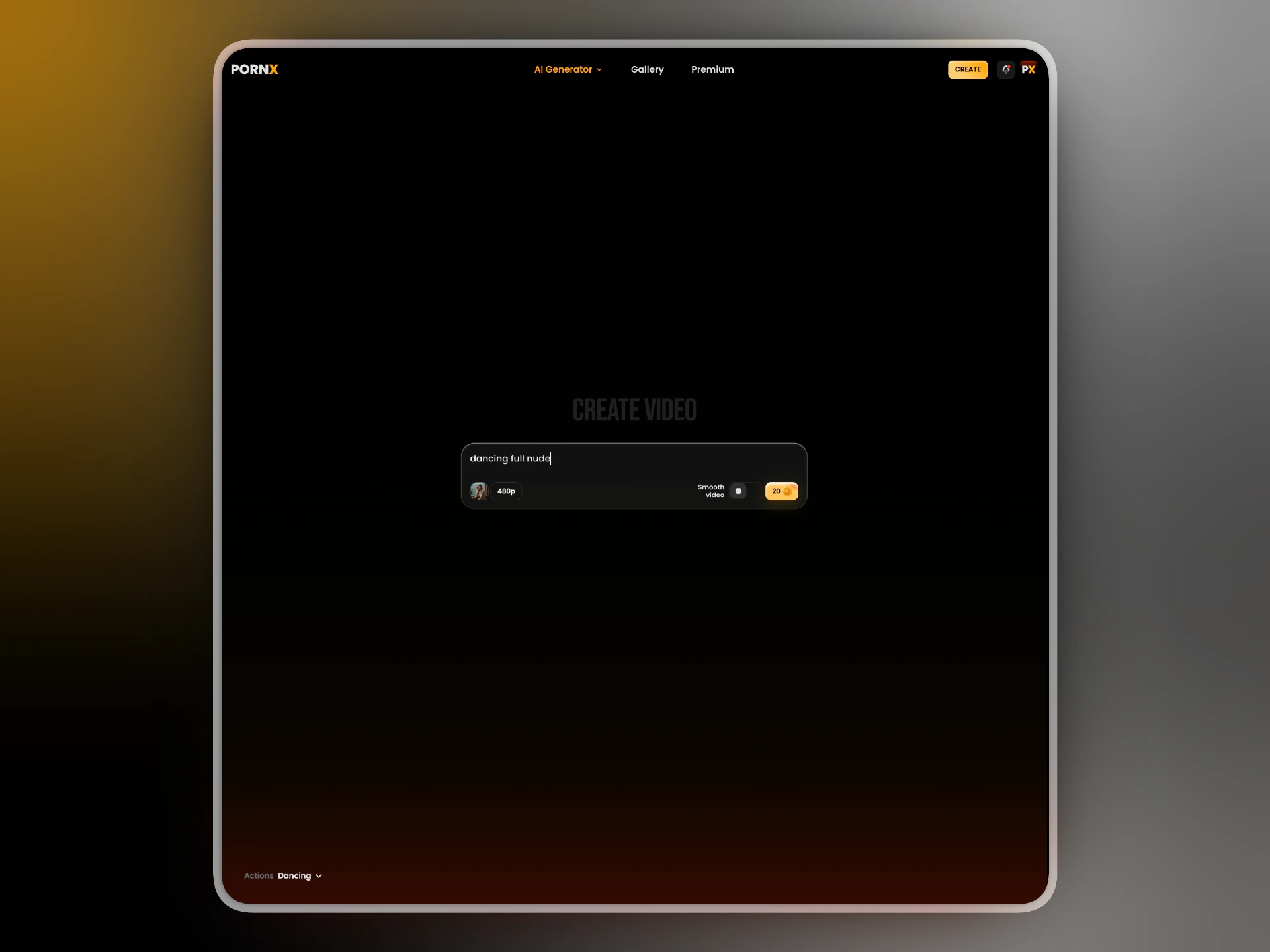 ## Settings
**Prompt** — describe the motion or action. Keep it short and specific.
*✓ slowly turning head, hair falling across face* *✓ walking forward, confident stride*
**Actions** — optional presets for common scenarios. Select one or more and arrange them in any order to build a sequence. Actions stack — you can chain multiple to create longer or more complex clips.
**Resolution** — choose between 480p, 540p, and 720p. Higher resolution costs more tokens and takes longer to generate.
**Smooth video** — toggle on to reduce flickering and improve motion consistency. Recommended for close-up shots and slow motion. Costs additional tokens.
## What's next
Create or manage your characters.
Full Image to Video reference.
## Settings
**Prompt** — describe the motion or action. Keep it short and specific.
*✓ slowly turning head, hair falling across face* *✓ walking forward, confident stride*
**Actions** — optional presets for common scenarios. Select one or more and arrange them in any order to build a sequence. Actions stack — you can chain multiple to create longer or more complex clips.
**Resolution** — choose between 480p, 540p, and 720p. Higher resolution costs more tokens and takes longer to generate.
**Smooth video** — toggle on to reduce flickering and improve motion consistency. Recommended for close-up shots and slow motion. Costs additional tokens.
## What's next
Create or manage your characters.
Full Image to Video reference.