
How to animate
- Generate an image with your character selected.
- Tap the Image to Video button on the result.
- You’ll land on pornx.co/video with your image already loaded as the first frame.
- Write a prompt, configure your settings, and tap Create.
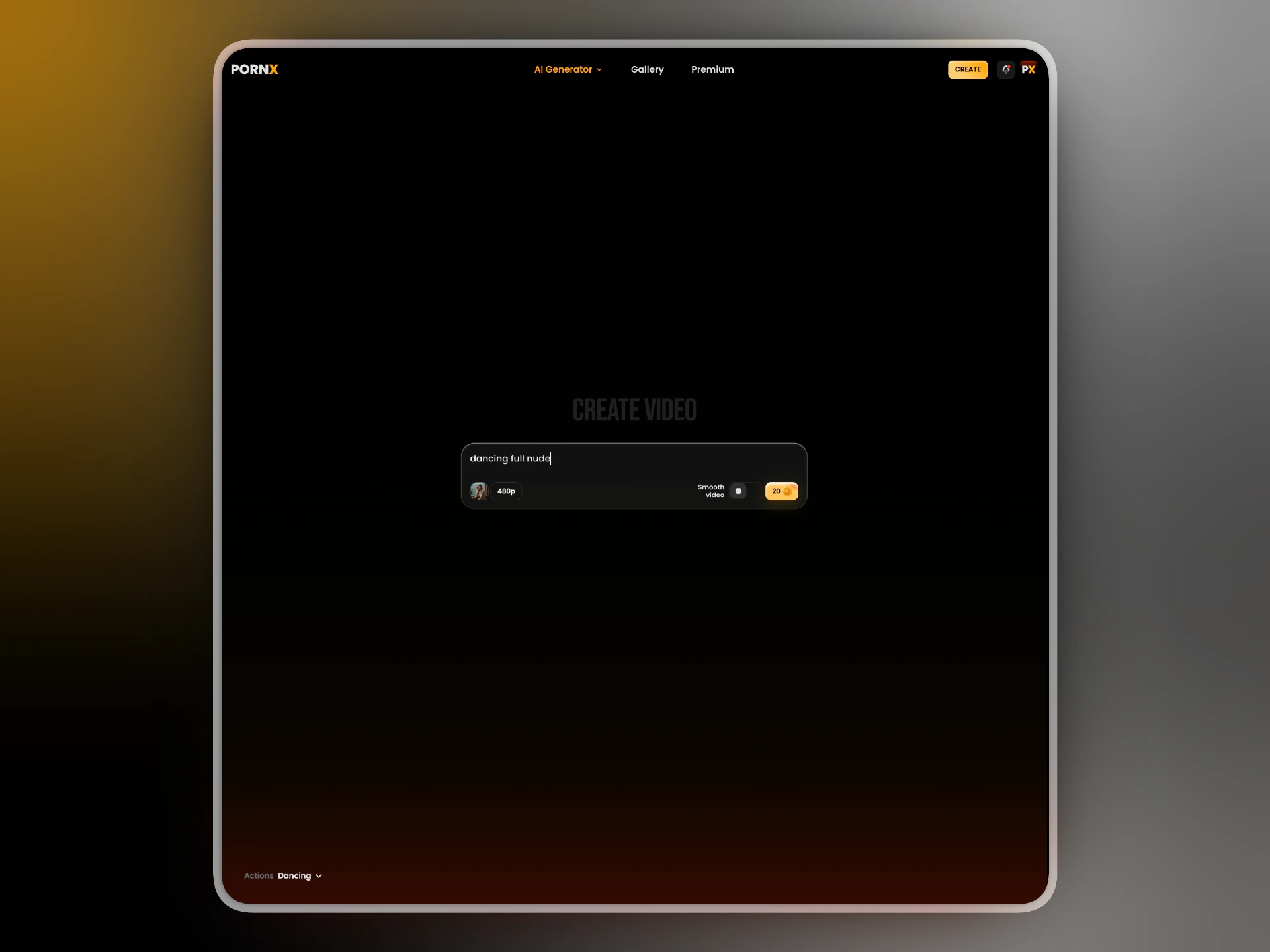
Settings
Prompt — describe the motion or action. Keep it short and specific. ✓ slowly turning head, hair falling across face ✓ walking forward, confident stride Actions — optional presets for common scenarios. Select one or more and arrange them in any order to build a sequence. Actions stack — you can chain multiple to create longer or more complex clips. Resolution — choose between 480p, 540p, and 720p. Higher resolution costs more tokens and takes longer to generate. Smooth video — toggle on to reduce flickering and improve motion consistency. Recommended for close-up shots and slow motion. Costs additional tokens.What’s next
Back to Characters
Create or manage your characters.
Image to Video
Full Image to Video reference.