
Generate your first image
- PC
- Mobile
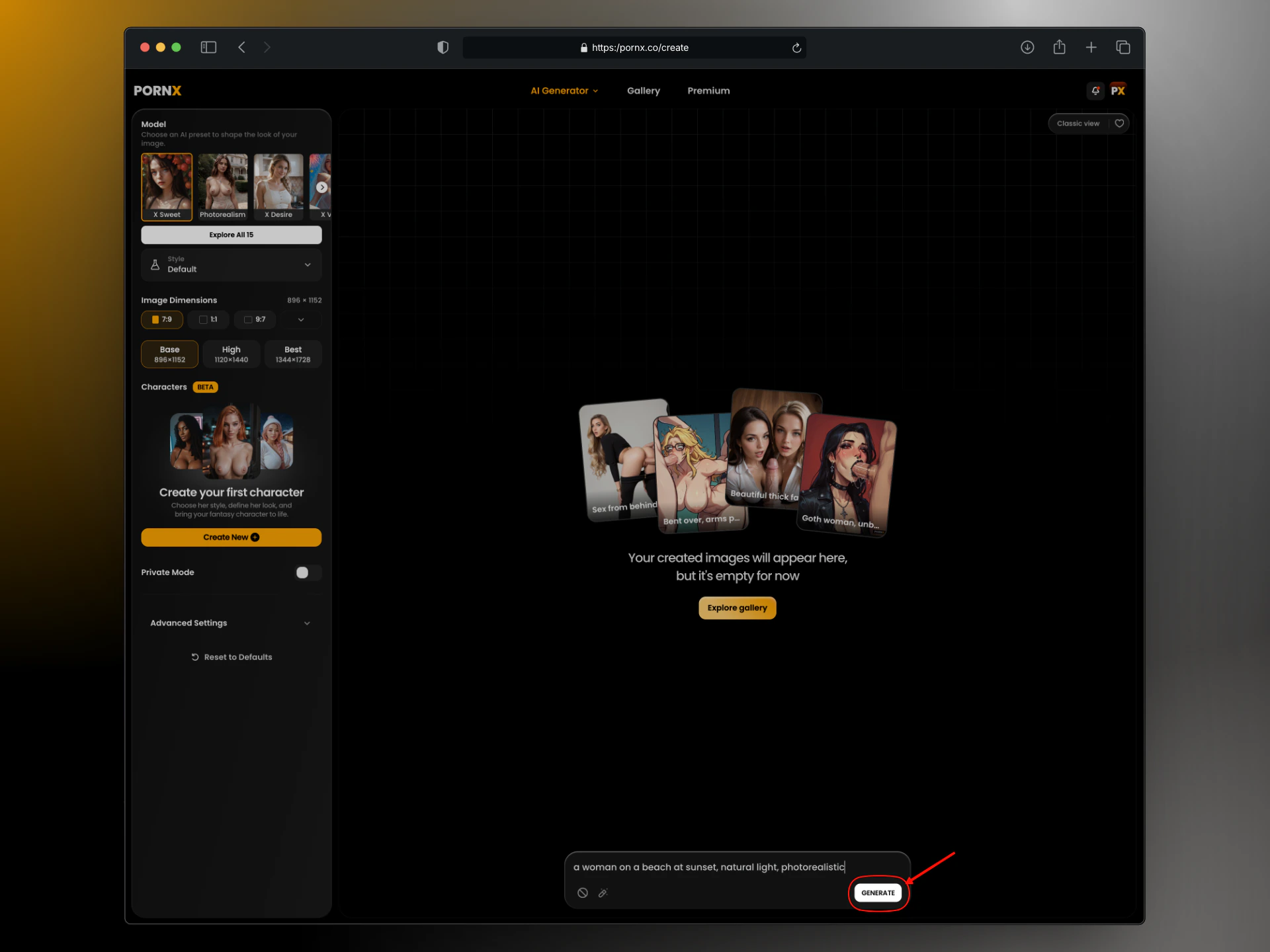
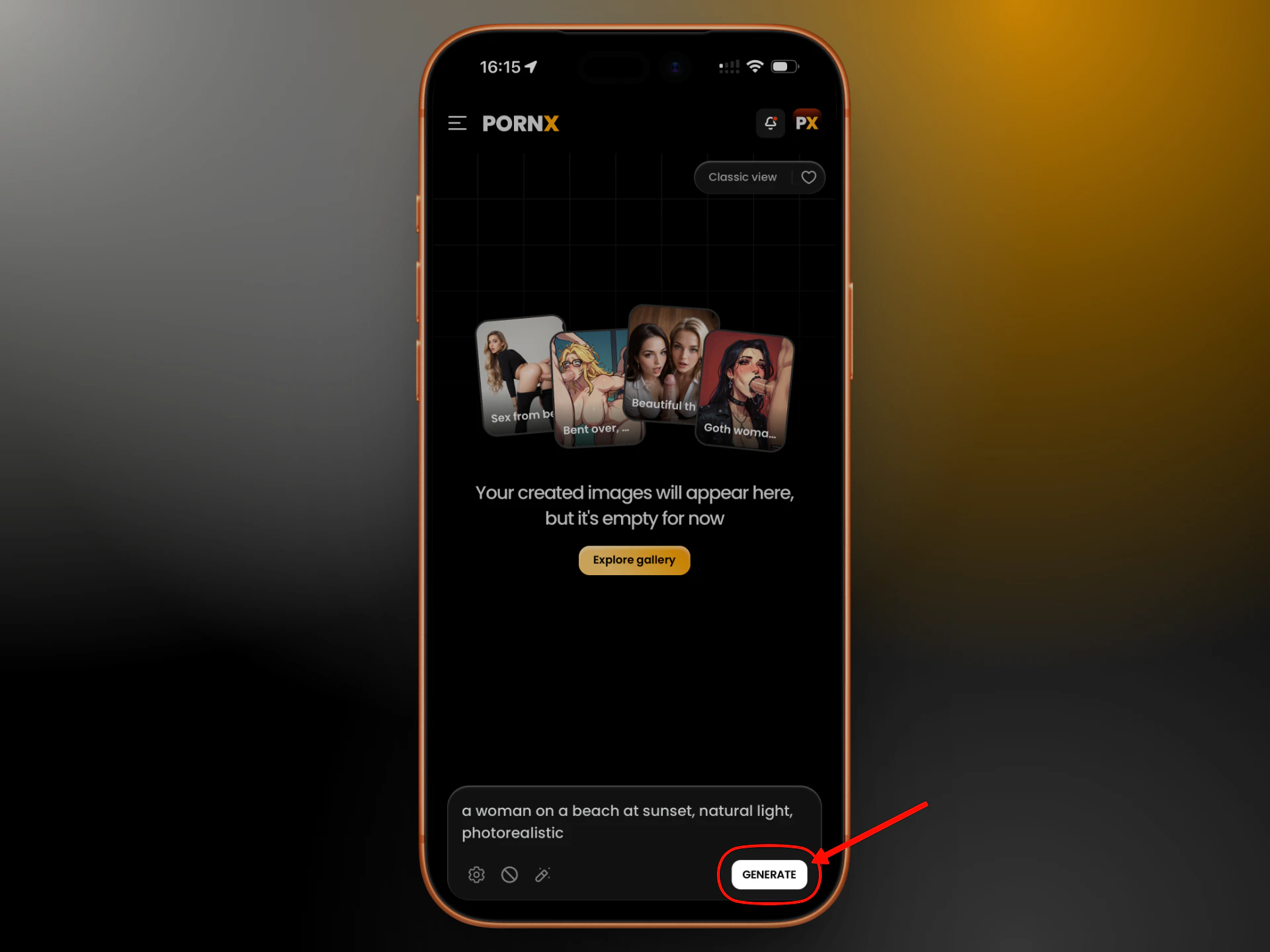
1
Open the generator
Go to pornx.co/create.
2
Write a prompt
Type what you want in the prompt field. A single sentence is enough to start — for example:
a woman on a beach at sunset, natural light, photorealisticPrompt Enhancer is on by default — it expands short prompts automatically. You can leave it on.3
Choose a model
Free accounts have access to X Sweet, Photorealism, Anime, 2.5D, Semi-Realism, and Cartoon. Pick the one that matches what you’re going for. Not sure? Start with Realism.
4
Generate
Click Generate. Your result appears in a few seconds.
What to try next
Didn’t get what you wanted? Two things move the needle fastest:- Change the model. Each model interprets the same prompt differently. See Models.
- Improve the prompt. Structure matters more than length. See Prompting Basics.
Models
Eight models, each tuned for a different visual style.
Prompting Basics
How to structure a prompt that gets consistent results.
LoRAs
Fine-tune style, character, or anatomy on top of any model.
Video
Animate your generations or go straight to text-to-video.